Organised for you
Point it at your film, TV and music folders and new files appear by themselves. Library health finds wrong matches, duplicates and missing artwork, with fixes you can undo. An existing Jellyfin library comes across read-only.


Coming soon for Windows
Lumehush brings the films, shows and music on your PC into one calm, cinematic app. No server, no account, nothing running in the background.

What it does
Films, TV and music share one home and one look. Lumehush reads your folders and keeps them in order.
Point it at your film, TV and music folders and new files appear by themselves. Library health finds wrong matches, duplicates and missing artwork, with fixes you can undo. An existing Jellyfin library comes across read-only.
Files play as they are, with no converting. Your graphics card does the decoding, so the processor stays nearly idle, even in 4K HDR. Resume, skip intro and credits, subtitles, audio tracks and media keys.
Night mode quiets loud scenes and lifts quiet voices. Clear dialogue, a surround-to-stereo mix for headphones and TV speakers, and level volume from one title to the next.
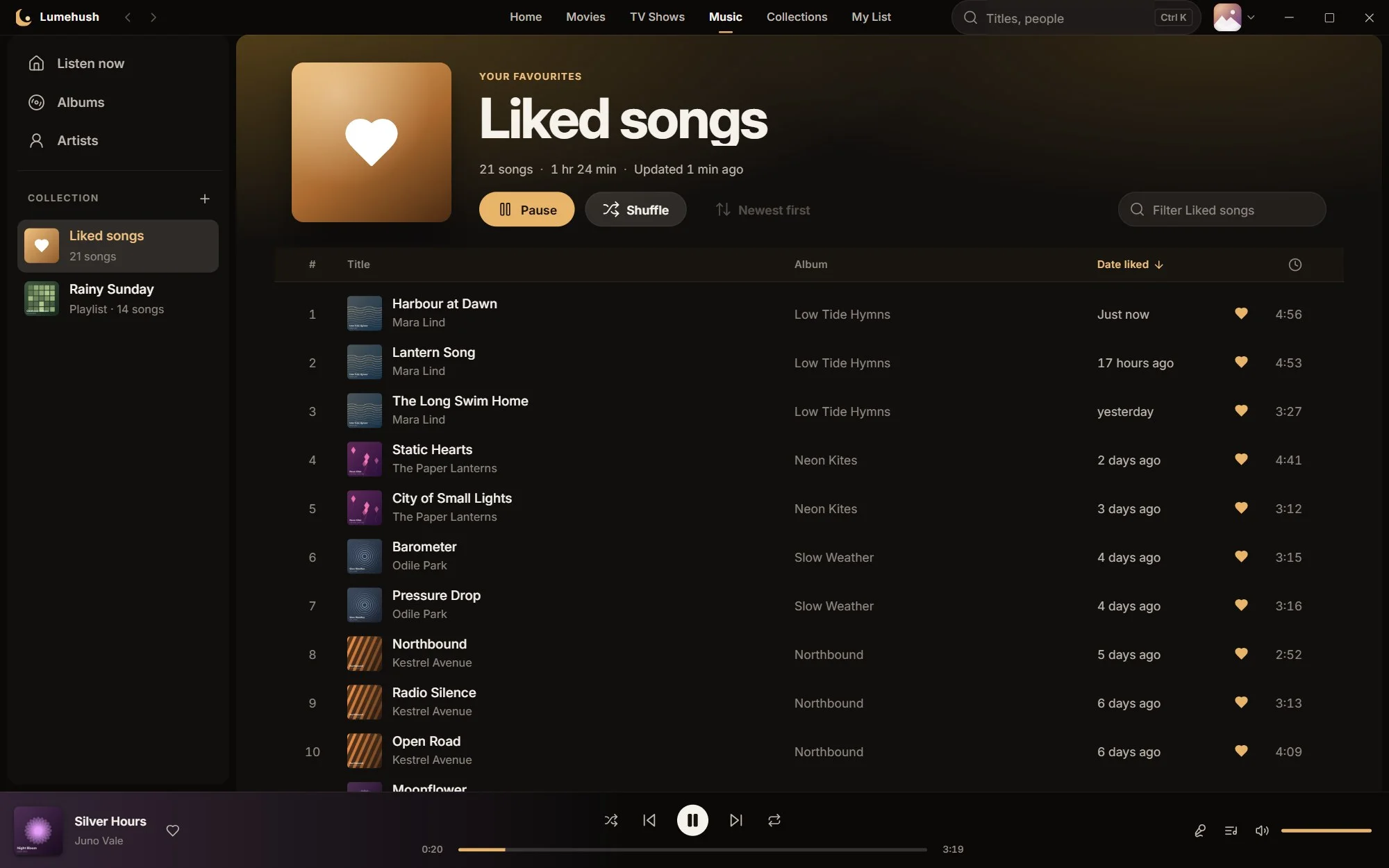
Gapless albums, crossfade up to 12 seconds, synced lyrics from the file or a .lrc beside it, mixes, a queue and Liked songs with the newest first.
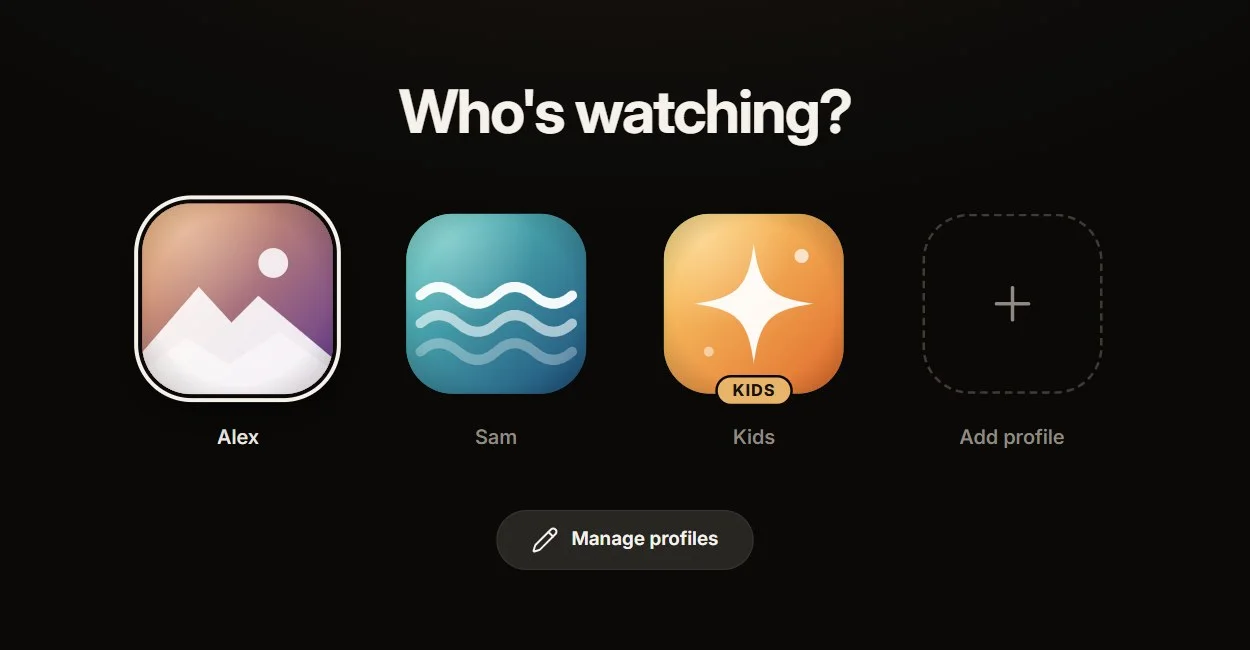
Each person gets their own progress, My List, Liked songs and settings, with an optional PIN. A Kids profile shows only titles rated PG or lower.
No server, no background service, no browser tab. Lumehush runs only while it's open, gives memory back when minimised, and keeps your library on your PC.
A closer look
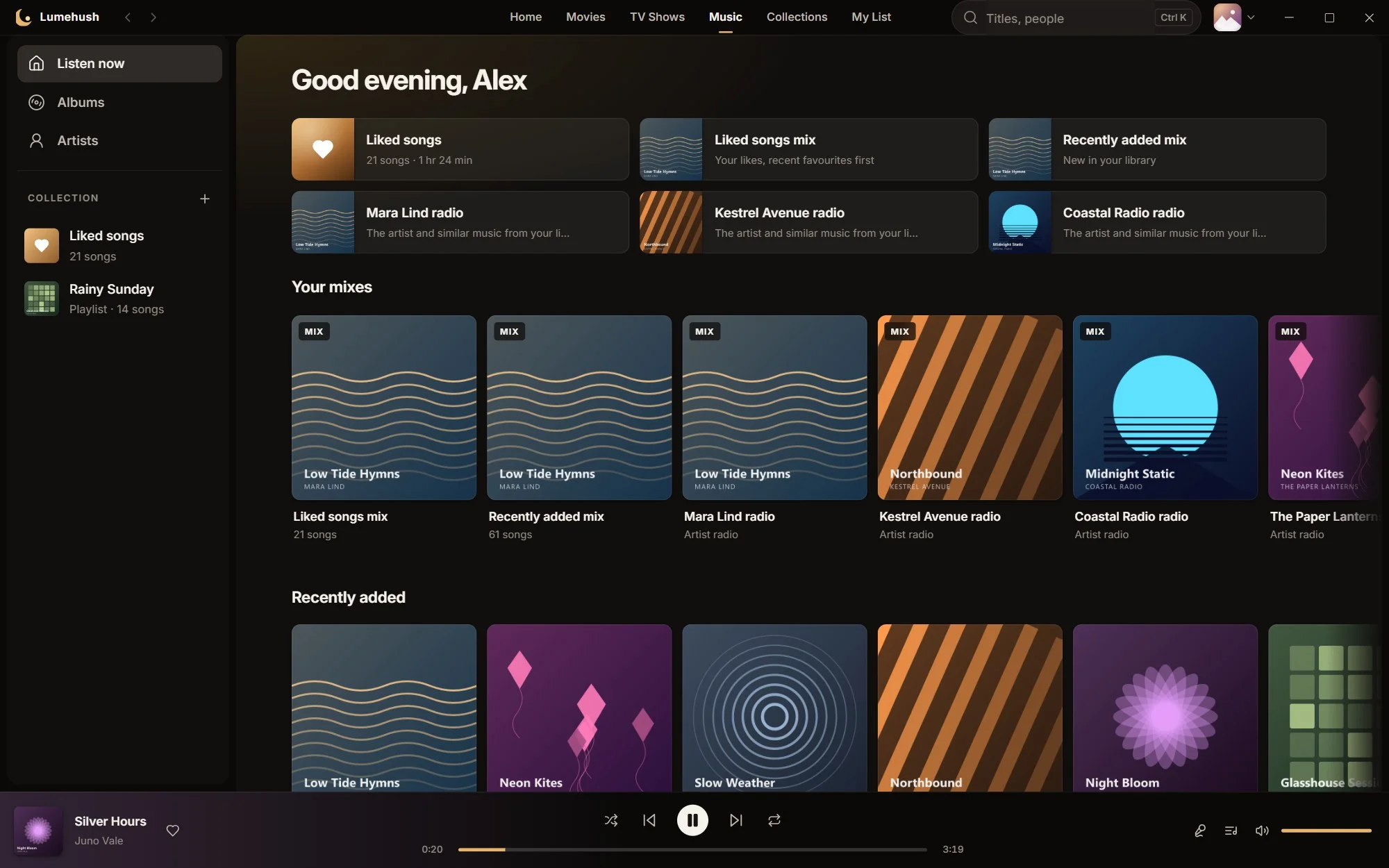
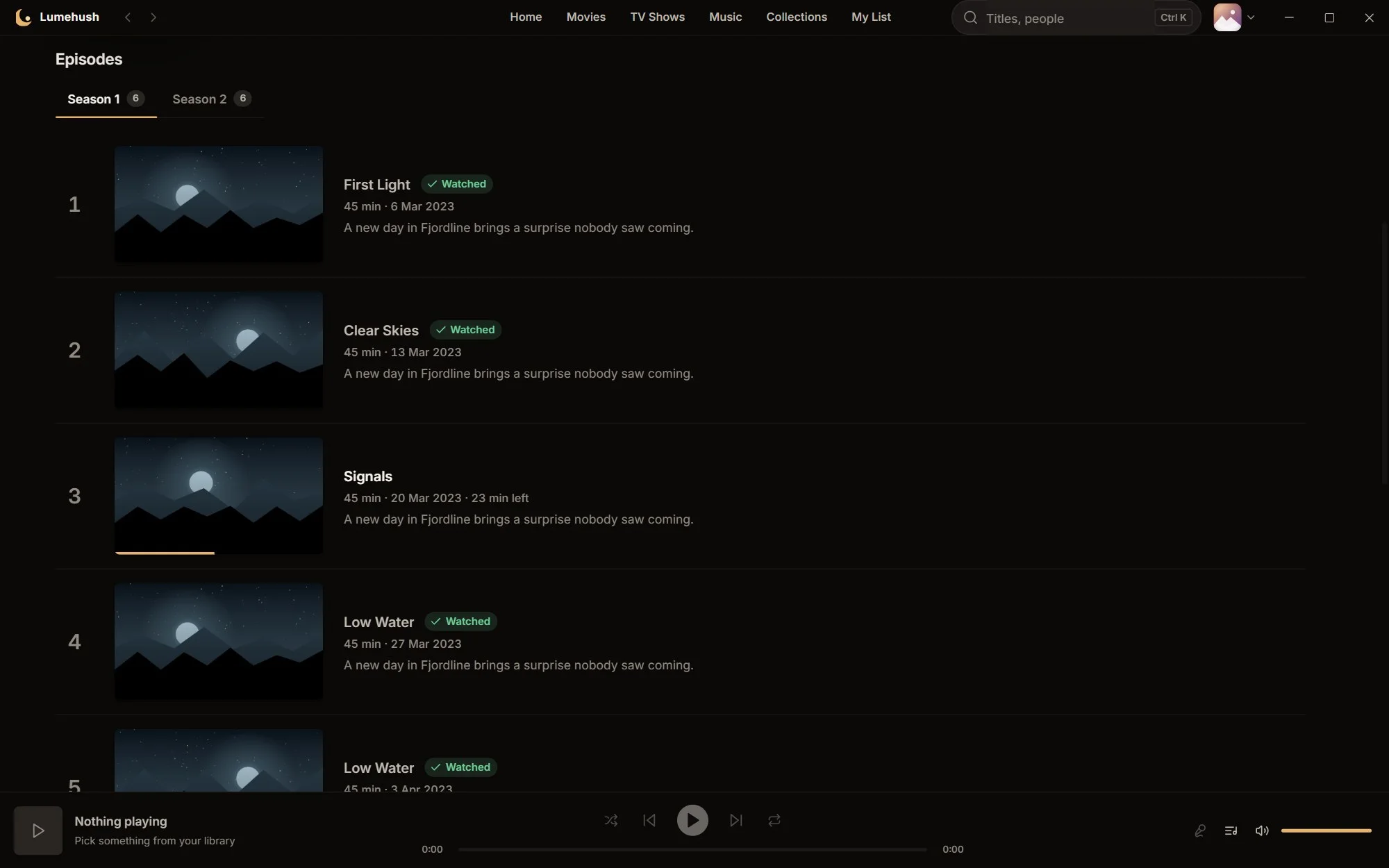
Real Lumehush screens, shown with a demo library of invented titles and artwork.
Backdrop, cast, the file's quality and languages, and one button to pick up where you left off. Shows list every season and episode with progress.

Now playing takes its colour from the cover. Synced lyrics move line by line, and the queue is one click away.

Change night mode or the stereo mix without leaving the film. Keep it for your profile or just this title.

Nothing to set up on another machine, and nothing running when the app is closed.
Lumehush never moves, renames or changes your media files.
Open it and watch. Profiles live on your PC.
Media keys, an integrated title bar and hardware video decoding.
Questions
A Windows app that plays the films, TV shows and music on your own drives, in a home-cinema style interface. It's a lighter alternative to running a media server: everything happens inside the app on your PC.
Lumehush isn't available to download or buy yet. Join early access and we'll email you when it is, with the price and the details.
No. Lumehush plays files you already have. It doesn't sell, rent or include any content.
No. There's no server to set up and no account to create. Your library, profiles and watch history are stored on your PC.
Never. Lumehush only reads your media folders. Corrections you make, like fixing a title, are kept in Lumehush's own library, not written into your files.
Only for artwork and details lookups, such as TMDB with your own free key (optional) and music artwork, and to check for updates. Your library is never uploaded.
Yes. Lumehush can bring across your Jellyfin library, including watched state and resume points. It works from a copy and never changes Jellyfin's data.
Virtually all common video and audio formats, including 4K HDR video, embedded and external subtitles, multiple audio tracks and lossless music such as FLAC, without converting anything first.
Lumehush is for Windows PCs to begin with. Other devices aren't planned for the first version.
Early access
Leave your email and we'll write when Lumehush is ready to download.
Sign-ups open shortly.
We'll use your email only for Lumehush early-access and launch news. No sharing, no selling, no tracking. Unsubscribe or ask us to delete it at any time. Read the privacy policy.